Top.Mail.Ru
AI Music Video Generator from Any Song | ClipChat
ClipChat.ai
Under the hood
ClaudeSeedance 2.5Minimax H3Gemini 3.5GPT Image 2Nano Banana 2Sedreem 5 ProClaudeSeedance 2.5Minimax H3Gemini 3.5GPT Image 2Nano Banana 2Sedreem 5 Pro ClaudeSeedance 2.5Minimax H3Gemini 3.5GPT Image 2Nano Banana 2Sedreem 5 ProClaudeSeedance 2.5Minimax H3Gemini 3.5GPT Image 2Nano Banana 2Sedreem 5 Pro

Upload your track - get a finished AI music video

ClipChat analyses the music, develops a concept, generates shots and edits a publication-ready music video

rendering right now {{ liveNow }} clips
01 Track
02 AI analysis
03 Concept
04 Storyboard
05 Scenes
06 Finished video
Examples

What you can create with ClipChat

Music videos and vertical content for the music you love or your own tracks

Upload a track, describe your idea (or leave it to ClipChat) and add a hero. ClipChat combines scenes, lip sync and editing into one complete video - from a short vertical clip to a full visual story.

UNETHICAL
MUSIC VIDEO0:469:16
NEON PETROL
PHONK0:30MUSIC VIDEO
HORIZON
INDIE0:27MUSIC VIDEO
RITA UP
POP0:24MUSIC VIDEO
SILVER RIOT
GLAM ROCK0:30MUSIC VIDEO
SKYLINE DIAMONDS
R&B0:30MUSIC VIDEO
CAFÉ BLANC
POP0:30MUSIC VIDEO
SUGAR STATIC
HYPERPOP0:30MUSIC VIDEO

Important: the ClipChat interface keeps evolving. Seedance 2 is currently available as Seedance -> Quality, and Seedance 2.5 as Seedance -> Detailed. To regenerate one scene, open its card. To generate every remaining scene, use the bottom bar. The rest of the workflow is unchanged.

What one track can become

One track is more than one music video

Turn one track into a full music video and vertical content for different platforms

Track
Clip 30 minutes
Three formats One track for different platforms
01 +30%listeners
Full music video

A complete visual story set to your chosen music

02 ×4completed views
Short videos

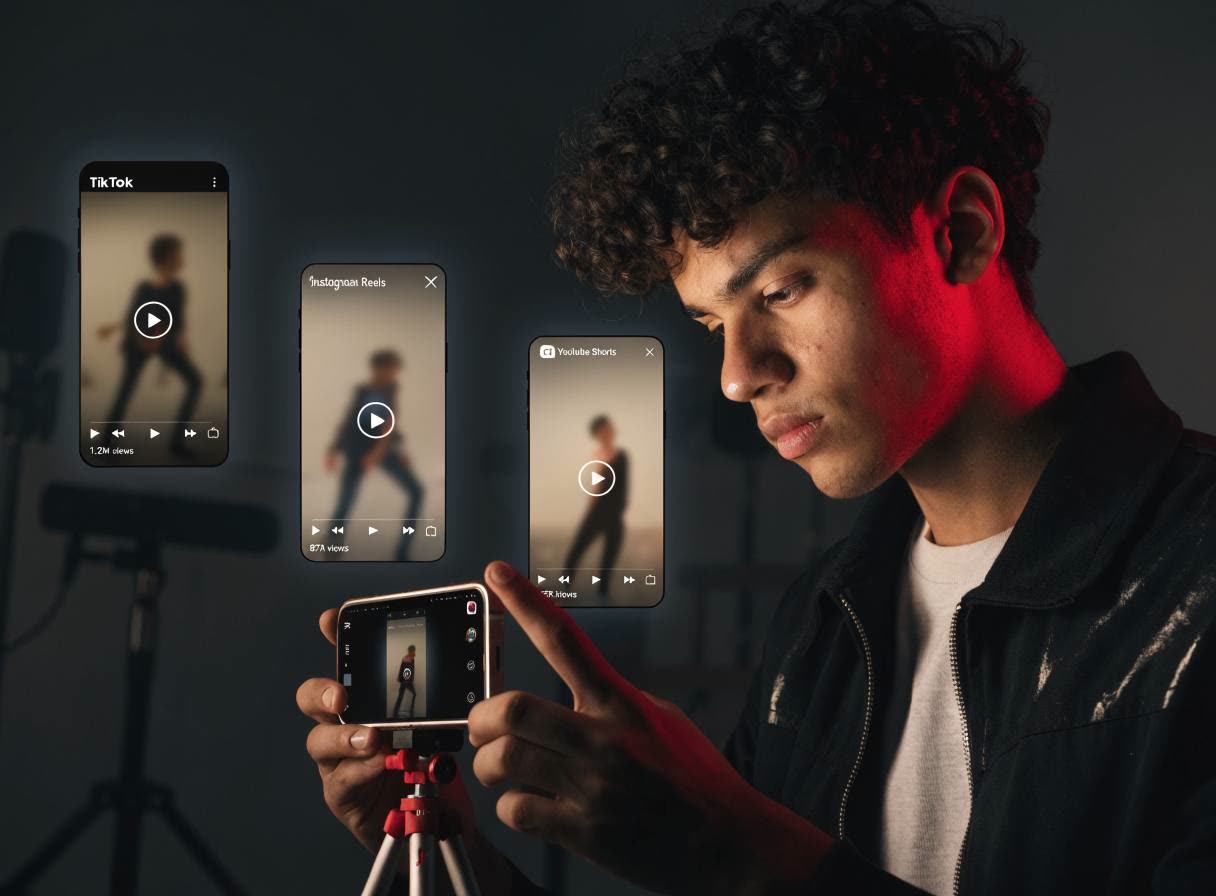
Vertical content for Reels, Shorts, TikTok and other platforms

03 7/10through video
A content series

Use different scenes and visual hooks for future posts

How it works

5 simple steps to create a music video

01

You upload a track

Add a song you love or your own track. ClipChat analyses its rhythm, mood and structure.

02

Describe your idea

Describe the music video you want in plain language: mood, style, hero and key wishes. Or let AI suggest an idea, review it and discuss it in chat.

03

Review the scene plan

Before generation, you see the visual direction, sequence of scenes and characters. If something feels wrong, adjust it in advance.

04

Start generating scenes

ClipChat creates scenes from the approved plan and keeps the hero recognisable from shot to shot.

05

You get a finished clip

Get a complete video with scenes, lip sync and editing. Download the finished result for publication and get access to the private community.

Identity

One face — in every scene

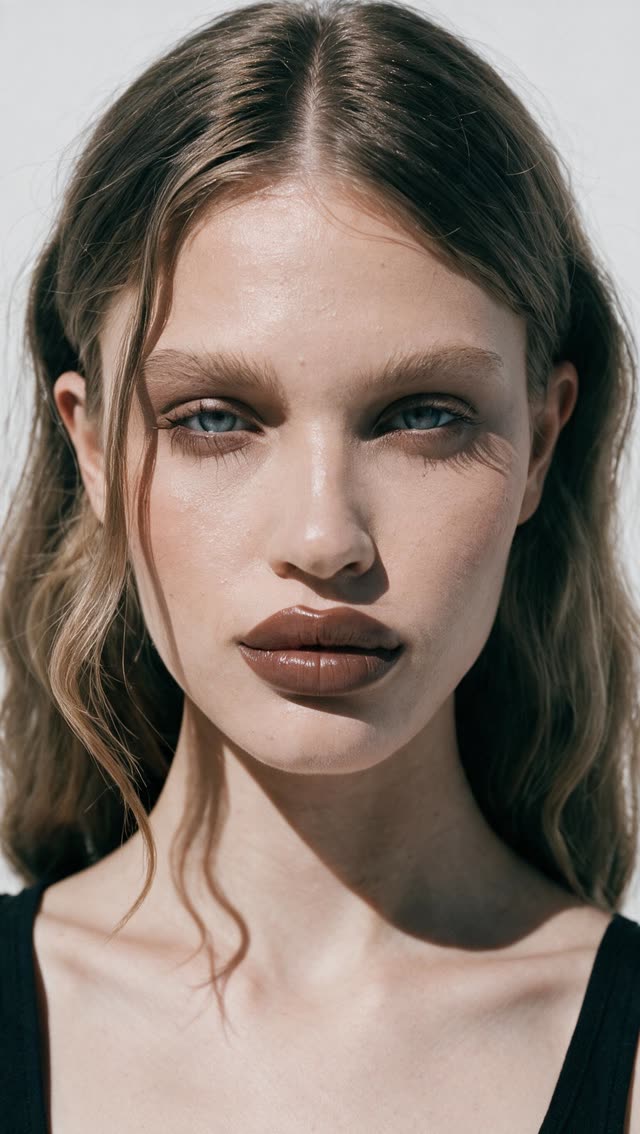
Add the hero's photo once - ClipChat keeps the face and look recognisable from the first scene to the last.

REC f/1.8 · 24mm · ISO 400
01
Your photo
Face locked
One anchor for every scene 6 of 6 matches
SCENE 01
SCENE 02
SCENE 03
SCENE 04
SCENE 05
SCENE 06

One reference anchors the hero's appearance. Angles, emotions and surroundings change from scene to scene, but the character stays recognisable.

Who it's for

Who can use ClipChat

01
Social

I want to star in my music video

Choose a track you love, add your photo and become the hero of your own visual story.

02
Releases

I need content for social media

Create music videos and short videos for Reels, Shorts and TikTok without filming or editing by hand

03
Beats

I have my own track

Turn a song into a complete visual - from the idea and scenes to the finished music video

And the main thing
Can't edit video? You don't need to

You upload a track — the AI does the rest. No editing, no settings, no experience with AI needed.

Beginner and that's enough
Reviews

What users say

4.8 ★★★★★ Average rating
I usually piece a video together across different tools. Here I uploaded the track and got a complete story right away. Best of all, the face stays consistent from scene to scene.
@{{ igNick1 }} AI creator
I liked that you can rebuild a single scene instead of paying for the whole clip again.
@{{ igNick2 }} songwriter
A convenient workflow and a broad set of tools for working on video. The whole process can be built in one place instead of jumping between a dozen services.
@{{ igNick3 }} music and AI video creator
Honestly, I expected a steep learning curve. But I uploaded the track, reviewed the storyboard, tweaked a couple of scenes, and only then started generating. It's so much easier when you know what you're getting up front.
@{{ igNick4 }} AI and video editing expert
$27 START
Pricing

Know the price before you press play

Turn one track into a full music video and vertical content for different platforms

Lock in your new-user price 50% off — the timer will not restart
-50%
{{ calcMin }} min

Recommended plan — what's included

Number of videos {{ calcPlanVideos }}
Credits a month {{ calcPlanCredits }}
{{ calcPlan }}

Plans

START
$27 $13.50 / mo
Clip minutes ~5 min
Number of videos about 15 videos of 20 sec
Credits a month 142,000
Discover ClipChat

Ideal for creating your first full music video, several vertical videos and getting to know ClipChat.

Choose
PRO Recommended
$49 $24.50 / mo
Clip minutes ~10 min
Number of videos about 30 videos of 20 sec
Credits a month 260,000
Core plan

Create a full music video and short video formats for social media.

Choose
MAX
$120 $60 / mo
Clip minutes ~24 min
Number of videos about 72 videos of 20 sec
Credits a month 600,000
Professional plan

For regular production, multiple projects, client work or a large volume of content.

Choose
All plans and limits →
Payment: Visa Mastercard Apple Pay Google Pay PayPal МИР

Favorite track.
Finished music video.

01
See the scene plan first
Review the visuals before full generation
02
No card
Nothing to link up front
03
60 seconds
That's how long the track analysis takes
Questions

Your biggest questions before your first music video

Asked most often

Will it look AI-made?

ClipChat first builds a consistent visual concept and scene plan, so the music video feels coherent rather than like a collection of random shots. Before generation, you can review the direction and adjust the scenes.

You retain the rights to the track you upload. You can use the finished video in accordance with the terms of service, including commercially, provided you have the necessary rights to the source materials. ClipChat does not use uploaded tracks to train models.

Track analysis takes about a minute. The total creation time depends on the length of the music video and the number of scenes: usually no more than 30 minutes.

Yes. Your plan renews automatically every month; you can cancel any time before the next charge.

If you wrote it or hold the rights — yes, no limits. For a cover or a licensed track, clearing the rights stays on you.

Yes. Contact support in chat or by email. After payment, you also get access to the private ClipChat community for help with the service and your first music video. Support chat · support@clipchat.ai

You can regenerate only the selected scene without rebuilding the entire music video. The other scenes stay unchanged.

Didn't find your question?

Contact support - we'll help with creating a video, plans and using the service.
Contact support